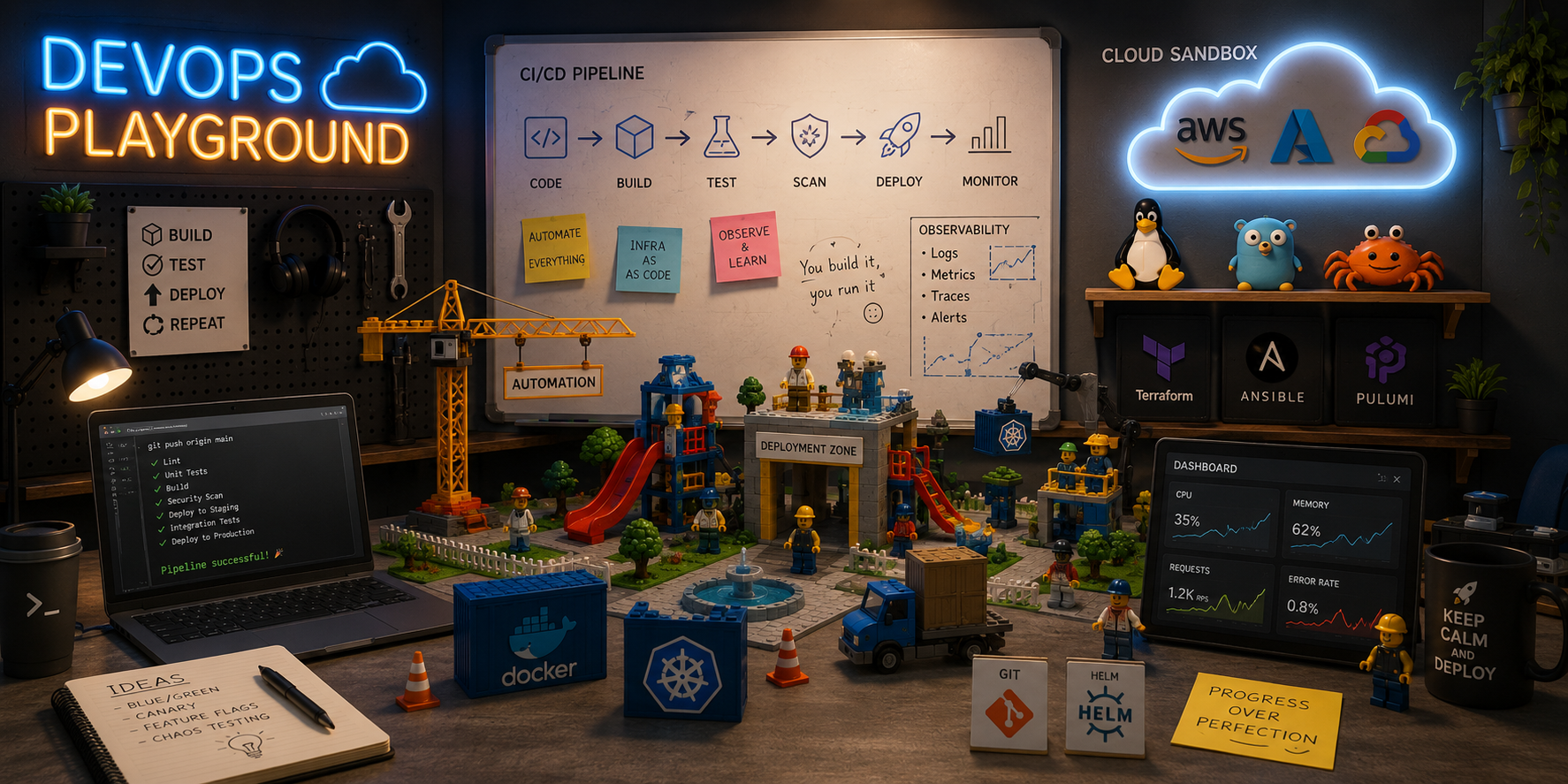
I recently led a tech primer to introduce DevOps tools which included Terraform, Docker and Kubernetes. My goal was to deliver an engaging and interactive session where participants could easily grasp key concepts through hands-on exercises.
These tech primers are designed to give the participants quick exposure to core DevOps tools. The focus is on rapidly building fundamental concepts rather than building enterprise-grade, production-ready systems right out of the gate.
The Training Approach: DevOps Playgrounds
One of the biggest hurdles in conducting technical workshops is often environment setup. Spending hours installing tools, updating dependencies and troubleshooting configuration issues can drain time and energy even before the training begins.
To eliminate this friction, I leveraged on the following sandboxes:
These sandbox environments run entirely in the browser and allow participants to dive straight into the hands-on exercises without any setup. Best of all, they are complete free and require no sign-ups!
These temporary sandboxes expire after 60 minutes. Once the time limit is reached, the environment resets and all data within the session will be permanently lost.
Module 1: Infrastructure-as-Code (IaC) with Terraform
I kicked off the session to show the modern approach of infrastructure provisioning through code using Terraform .
To keep thing stress-free, HashiCorp’s Terraform Sandbox uses LocalStack
to emulate the AWS cloud environment locally.
This meant no cloud accounts to configure, no risk of accidental billing, and the complete freedom to experiment.
After introducing core concepts, I walked through the Terraform workflow with the init, plan, apply and destroy commands.
Key concepts covered:
- Providers: Plugins that translate Terraform configuration into platform-specific (for example, AWS, OCI, Azure, Google Cloud) API calls to manage resources.
- Resources: Infrastructure components such as virtual machines or storage buckets.
- State: A JSON file used by Terraform to track infrastructure resources.
- Workflow: Operations for managing the infrastructure lifecycle.
Module 2: Containerization with Docker
Next, I moved from infrastructure provisioning to packaging applications using Docker on Killercoda. Once the participants understood where apps run, I focused on how to containerize them.
I walked the participants through the full lifecycle of a container step-by-step:
- Build an image by writing a simple
Dockerfileand compiling it withdocker build. - Run the image on a container using
docker run. - Inspect a running container with
docker inspectto view container metadata, networking settings and environment variables. - Troubleshoot with
docker logsto view output and diagnose runtime issues. - Tear down and clean up with the
docker stopanddocker rmcommands respectively to keep the environment clean.
Key concepts covered:
- The role and benefits of containerization.
- Dockerfile directives for building images.
- Docker commands for managing container lifecycles.
Module 3: Container Orchestration with Kubernetes
With individual containers running smoothly, the final step was to manage them at scale.
I introduced the Kubernetes architecture, highlighting how the Control Plane manages Worker Nodes to scale, heal, and load-balance applications.
Through hands-on exercises, participants deployed Kubernetes .yaml manifests and watched the system automatically recover from simulated failures to maintain its desired state.
Key concepts covered:
- Kubernetes architecture: How the Control Plane interact with Worker Nodes in cluster operations.
- Workloads: Pods and deployments.
Final Thoughts
Delivering a successful technical workshop comes down to 3 principles:
- Eliminate Friction: Use browser-based environments (either free sandboxes or paid labs) so participants can jump straight into the hands-on session.
- Ensure Safety: Leverage emulators like LocalStack so that participants can experiment without cloud costs or real-world risks.
- Tell a Cohesive Story: Ensure every topic naturally transitions into and reinforces the next.
If you’re planning your next technical primer, consider taking a sandbox-first approach. Your participants will thank you!