Note: This post is written from the perspective of a system deployed as a standalone application on a server. For systems using other deployment models, a different deprecation approach may be more effective.
The Retirement
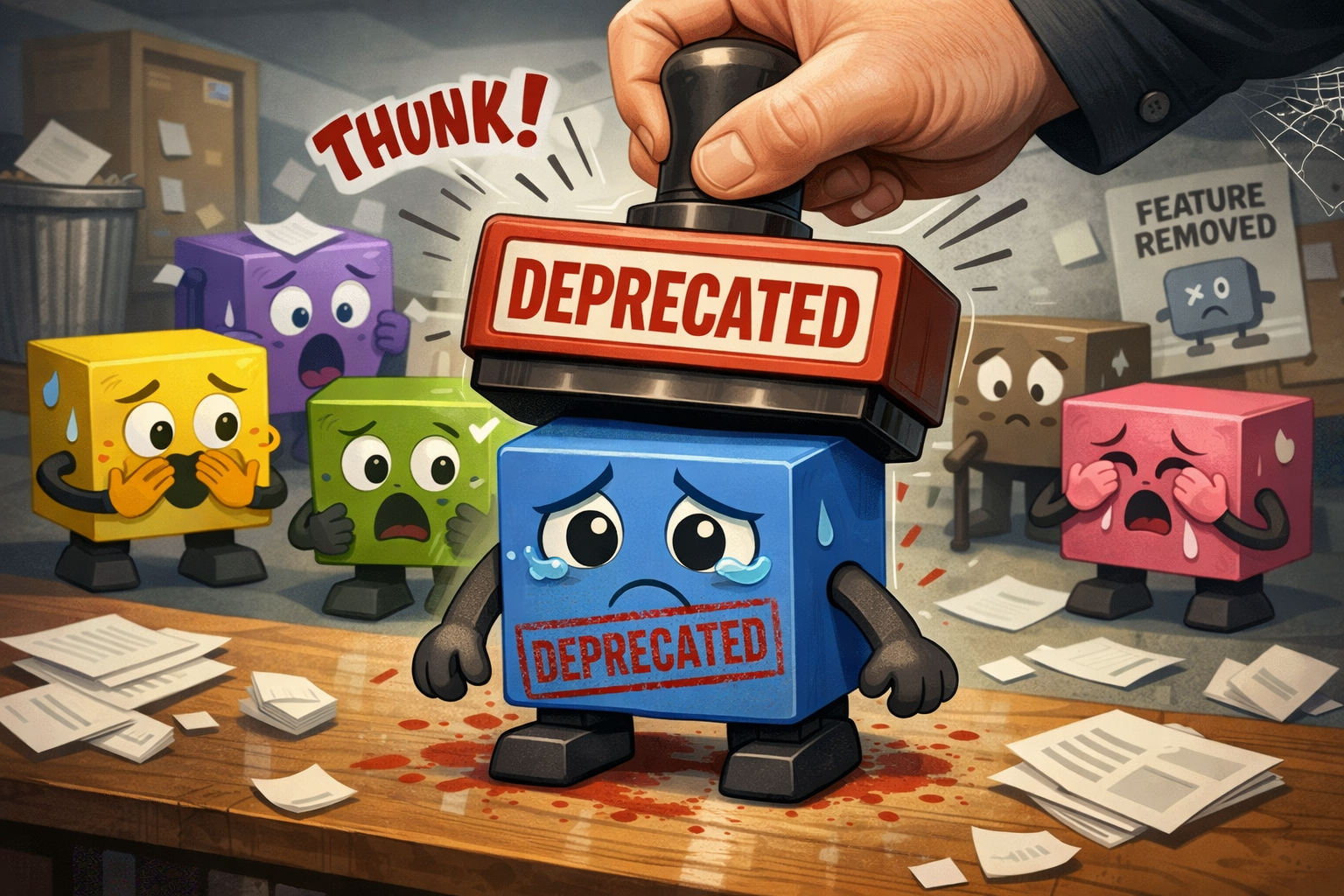
I recently deprecated a beloved software feature.
The feature had been in service long before I was involved in the project and was serving over 20k users. It was stable, being mostly bug-free and performant. Now, most people would think, “If it ain’t broke, don’t fix it”.
Sadly, reality is different and things were more complicated.
Under the hood, the feature was tightly coupled with legacy APIs and outdated dependencies which were no longer supported. Maintaining or extending it with new functionalities was difficult if not impossible. Furthermore, the feature requires complex configuration which often confuses and frustrates new users.
Ultimately, I felt that it was a blocker to progress. The feature had served the project well, but it was time for it to go and make way for a more modern and intuitive solution.
The Deprecation Process
Change Freeze
One of the early steps in the deprecation process was to freeze changes on the feature.
This is typically done by adding a @deprecated annotation along with explanatory notes or links to documentation about the deprecation.
The deprecation signals the intent to remove the feature in a future release.
This helps to raise awareness among developers to avoid redundant Pull Request (PR) and also to direct development efforts to the new solution.
Implement the New Solution
The next stage of the process is to implement the new solution. To minimize breaking changes, the new solution was developed with consideration for stability.
Feature Parity. Transitioning to the new solution shouldn’t feel like a downgrade. The core functionalities of the deprecated feature was implemented in the new solution with architectural redesign and code rewrites where necessary to address existing issues and new requirements.
Backward Compatibility. To prevent breaking changes, I implemented an adapter which allowed the system to operate seamlessly regardless of whether the user has migrated or not. This adapter is transparent to users and runs in the background, diligently translating API calls from the deprecated feature to the new solution.
Ease of Migration. To ensure a successful migration, I focused on lowering the migration barrier by helping users adopt the new solution. Some of the support measures include:
- Side-by-side examples: Documentation with snippets illustrating the legacy way vs the modern way.
- Deprecation warnings: Intelligent runtime warning messages which guide the user on what needs to change and how to change it.
- Automation: Automatic migration where possible. For example, converting old configurations to the new format.
The Breaking Change
Once the migration window has closed, all deprecated code and its legacy migration support measures are purged from the codebase. This cleanup reduces the technical debt and ensures the long-term maintainability of the codebase.
Consequently, the next release introduces breaking changes for users who have not yet migrated. The breaking changes are then documented in the release notes prominently as a final notice for users to migrate before upgrading.
Communication
While the deprecation process is happening, ongoing communications are vital to ensure that no users are caught by surprise of any breaking change.
Multi-Channel Communication. To ensure that the message reaches all segments of users (system administrators, developers, end-users, etc.), the communication of the deprecation was done through multiple channels:
- Log files: A warning is logged whenever the deprecated feature is used. Since log files are often monitored by system administrators, warning messages can be used to alert them.
- Release notes: Breaking changes are prominently featured in the release notes with links to detail migration steps in the project documentation site to guide users.
- Project forums and social media: Besides functioning as a channel for deprecation announcements, it is also a good place for discussions and to gather feedback.
- Project repository and project management site: Intended for developers, the technical aspects of the deprecation are detailed here. This helps to guide developers on the development and code reviews for the new solution.
- Project documentation site: The primary source of information for everyone.
- Real-time alerts: The user is alerted (for example, popup messages) when the deprecated feature is used.
Crafting the Deprecation Message. For the deprecation message to be effective, I included the following elements:
- Context: Provide a short summary or background about the feature.
- Reason for deprecation: Explain why the feature is being deprecated (for example, technical debt, compatibility with newer APIs, etc.).
- Impact: Highlight the impact if the feature is not deprecated (for example, security vulnerabilities, performance issues, etc.).
- Migration: Provide a migration plan to help users adopt the new solution. Include examples and explain alternatives if available.
- Time frame: Give a time frame to allow users to plan for the migration. Be as clear as possible, such as providing the exact date or version where the feature will be removed.
Final Thoughts
Sunsetting a feature can be a complex task. While it is easy to add new code, it requires carefully planning to responsibly remove or migrate code that people rely on.
The process has also highlighted the social challenges of maintaining a codebase. While communicating with various stakeholders, I’ve received a lot of feedback and ideas. Although they are well-intentioned, I had to decline most of them as they were unsustainable or did not align with the project’s architectural design and roadmap.
Despite the challenges, the legacy feature was finally deprecated and the blocker has been resolved. The result is a codebase free from technical debts and ready for the next phase of development.